

Before you take an electricity meter reading
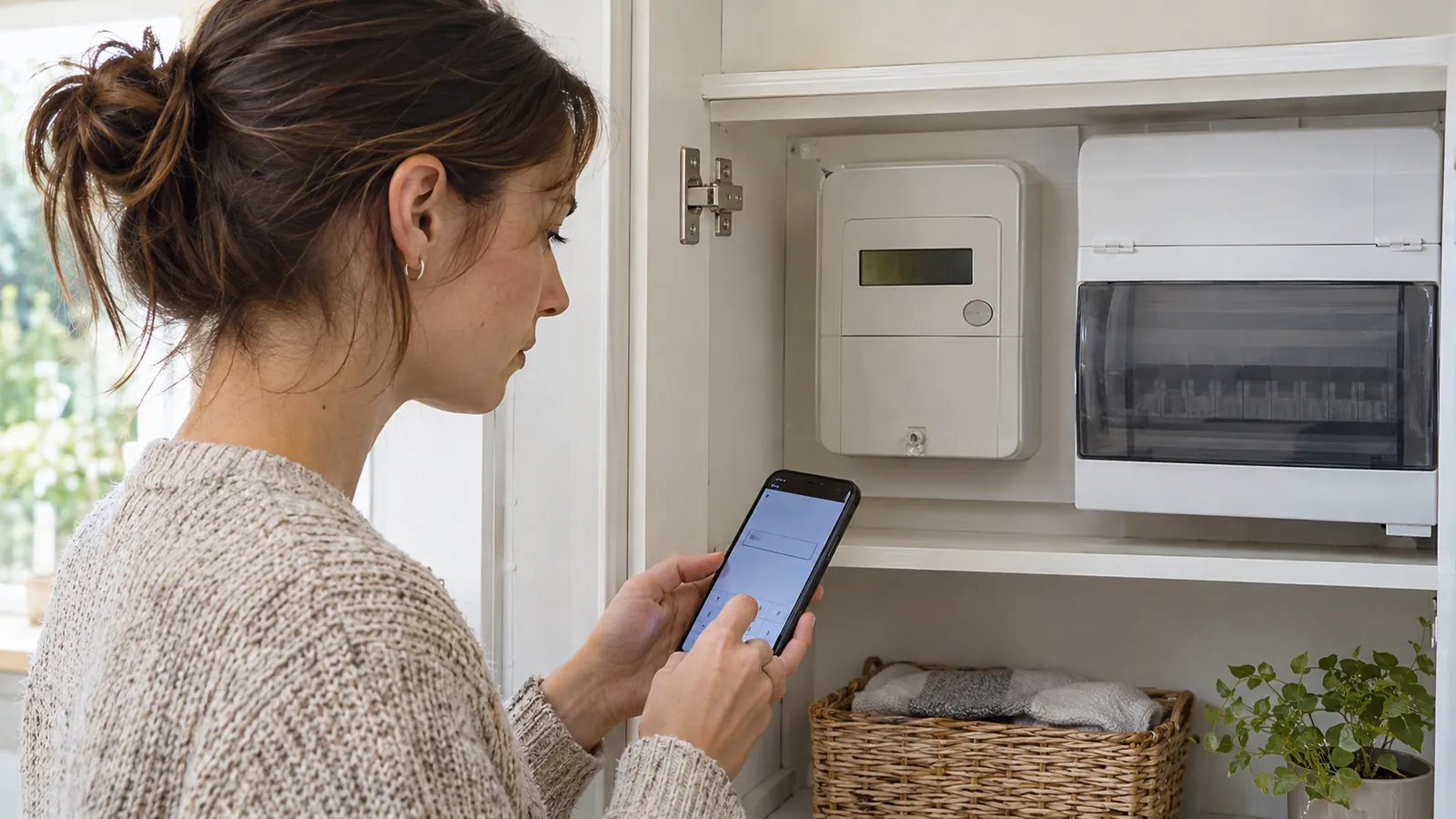
Make sure you are looking at the electricity meter rather than the gas meter or the portable in-home display. The meter is fixed to the property and measures cumulative electricity use in kWh. An in-home display only repeats information and may show pounds, pence or live power instead of the official billing register.
Compare the serial number printed on the meter with the meter serial number on your latest bill. This is especially important in a shared cupboard or block of flats. If the numbers do not match, do not guess which meter is yours; photograph the labels and ask the supplier to check the meter records.
Use a torch if the cupboard is dark, but do not open covers, break seals or touch cables. If the display is blank, damaged or inaccessible, contact the supplier or network operator rather than trying to reach unsafe equipment.
- Have the latest bill or supplier account open so you know which meter and registers are expected.
- Record the date and time as well as the reading.
- Take a clear photograph showing the reading and, separately, the meter serial number.
- Check whether the bill expects one reading or separate day and night readings.
How to read a single-rate digital electricity meter
A traditional digital meter normally shows a row of five or more digits. Read the whole-number digits from left to right. Ignore any digits shown in red and anything after a decimal point. Leading zeroes do not change the value, although it is sensible to copy the reading exactly as the supplier form requests.
For example, a display of 04827.6 is submitted as 4827 unless the supplier specifically asks for the decimal digit. Do not convert the figure into money or multiply it by the tariff rate before submitting it: the supplier needs the cumulative meter reading.
If the screen cycles through several values, wait for the one labelled kWh, import, IMP or total active import. Export is electricity sent to the grid from solar panels or another generator and is not the household consumption reading.
How to read a two-rate or Economy 7 meter
A two-rate meter records electricity in two registers because the tariff charges different rates at different times. The display may show two rows, cycle between Rate 1 and Rate 2, or require a button press. Record both whole-number readings and preserve their labels.
Do not assume Rate 1 always means night or Rate 2 always means day. Meter configurations vary. Your bill or supplier should identify which register is billed at each rate. If it does not, note both readings in the morning and again later in the day: the register that changes during the day is usually the day or peak register, but ask the supplier to confirm before correcting a bill.
Some homes have a separate controlled circuit for storage heaters or hot water. Record every register requested by the supplier. Sending only one can leave the other estimated and produce a misleading bill.
How to read a dial electricity meter
Dial meters have a row of pointers, and adjacent dials usually turn in opposite directions. Read the first five relevant dials from left to right. Ignore red dials and dials marked 1/10 or 1/100.
When a pointer sits between two numbers, write down the lower number. Between 9 and 0, use 9. If a pointer appears exactly on a number, check the dial immediately to its right: if that next dial has not passed 0, reduce the first number by one. This avoids recording a rollover before it has actually happened.
Dial meters are easy to misread, so take a straight-on photograph. If your new reading is lower than the previous bill and the meter has not rolled over or been replaced, recheck each dial before contacting the supplier.
How to read a smart electricity meter
A working smart meter normally sends readings automatically, but you may still need a manual reading after a supplier switch, when smart communication fails or when you want to check a bill. Read the fixed meter, not the in-home display.
Button sequences differ by meter model. Common screens are labelled IMP KWH, total active import, Rate 01 or Rate 02. Citizens Advice publishes model-specific instructions, and suppliers usually provide their own guides. Use the exact guide for the buttons and labels on your meter rather than repeatedly pressing controls at random.
For a single-rate smart meter, submit the total import kWh. For a two-rate tariff, record both import registers. Ignore export, live demand in kW and credit-balance screens unless the supplier asks for them.
Turn two readings into electricity usage
A meter reading is a running total. Electricity used during a period equals the current reading minus the previous reading. If the previous actual reading was 13,842 and the current reading is 14,117, the household used 275 kWh: 14,117 − 13,842 = 275.
To estimate the bill, multiply the usage by the unit rate and add the standing charge for every day. At an illustrative 24.5p per kWh, 275 kWh costs £67.38 after rounding. A 55p daily standing charge over 60 days adds £33, giving an estimated £100.38 before any account credit, discount or adjustment. Use the actual rates and tax treatment shown on your tariff.
For a two-rate tariff, calculate each register separately at its matching rate, then add one standing charge for the period. Our guide to calculating an electricity bill from meter readings explains the full method.
Submit the reading and check the next bill
Send the reading through the supplier app, website, automated phone line or customer service channel. Keep the confirmation and photo. A switch, move-in or move-out reading should be shared on the date requested because it divides responsibility between suppliers or occupants.
When the bill arrives, check that it uses the same reading and labels it actual rather than estimated. Compare the meter serial number, reading date and each register. A small difference can occur if the supplier took an automatic smart reading on a nearby date, but the bill should explain which reading it used.
If the supplier rejects the reading as unexpectedly high or low, recheck the digits and send the photograph. Do not invent an intermediate figure. Ask the supplier to investigate if the display, serial number or registers do not match its records.
Electricity meter readings in Northern Ireland
Northern Ireland has a separate electricity market. NIE Networks owns the electricity meters and visits homes to read them, while the chosen electricity supplier issues the bill. The Consumer Council says regular readings help prevent estimated bills, and network staff still need access for safety and accuracy checks even when a customer has submitted a reading.
Power NI advises reading digital meters from left to right, using the lower number when a clock-style pointer sits between digits, and pressing 9 to display the reading on its keypad meters. Instructions can differ by supplier and meter, so use the guide for your equipment. Northern Ireland smart-meter rollout is planned separately; do not assume a Great Britain smart-meter button sequence applies.
Electricity meter reading FAQs
Which numbers do I submit from an electricity meter?
Submit the whole-number import kWh reading from left to right. Ignore red digits, leading zeroes where the form permits, and digits after a decimal point. Submit every import register used by a two-rate tariff.
Is the in-home display the same as the smart meter?
No. The in-home display is a portable screen that shows information received from the meter. Use the reading on the fixed electricity meter for a manual supplier submission unless the supplier explicitly tells you otherwise.
Why is my new meter reading lower than the old one?
Check for a mistyped digit, the wrong meter, the wrong register, a meter replacement or a completed rollover. Photograph the meter and contact the supplier if none explains the difference; do not alter the reading to make it look plausible.
How often should I submit an electricity meter reading?
Follow your supplier's billing schedule and submit a reading when requested, especially if bills are estimated. Also keep dated readings when moving, switching supplier or checking a disputed bill. A working smart meter normally sends readings automatically.
Estimate your electricity bill
Subtract your previous reading from the current reading to find the kWh used. Enter that usage, your unit rate, the billing dates and standing charge in the electricity bill calculator to sense-check the next bill.
Sources
Meter-reading, smart-meter and Northern Ireland guidance was checked against these sources on 10 November 2026: