

Smart Meter In-Home Display Not Working: What to Do
Fix a smart meter in-home display that is blank, disconnected or showing wrong costs, and know when your supplier must investigate or replace it.
Read articleEnter two meter readings and the rates from your latest tariff for a clear estimate of usage and standing charges.
The familiar calculation from the original site, explained more clearly.
We subtract the previous meter reading from the current reading to find the kilowatt hours used.
Your usage is multiplied by the unit rate, then the daily standing charge is added for the billing period.
Keep VAT off for inclusive figures, or add 5% when working from VAT-exclusive rates.
Choose an appliance, enter your electricity rate and see daily, monthly and yearly costs. Compare different routines to see what you could save.
Try the appliance cost calculator →Enter the older reading first and the newer reading second. Ignore digits shown in red and numbers after a decimal point. Economy 7 meters have two readings that should be calculated separately.
Learn how to read your meter →Simply copy the unit rate and standing charge shown on your bill—there is no account connection or sign-up.
Review your supplier





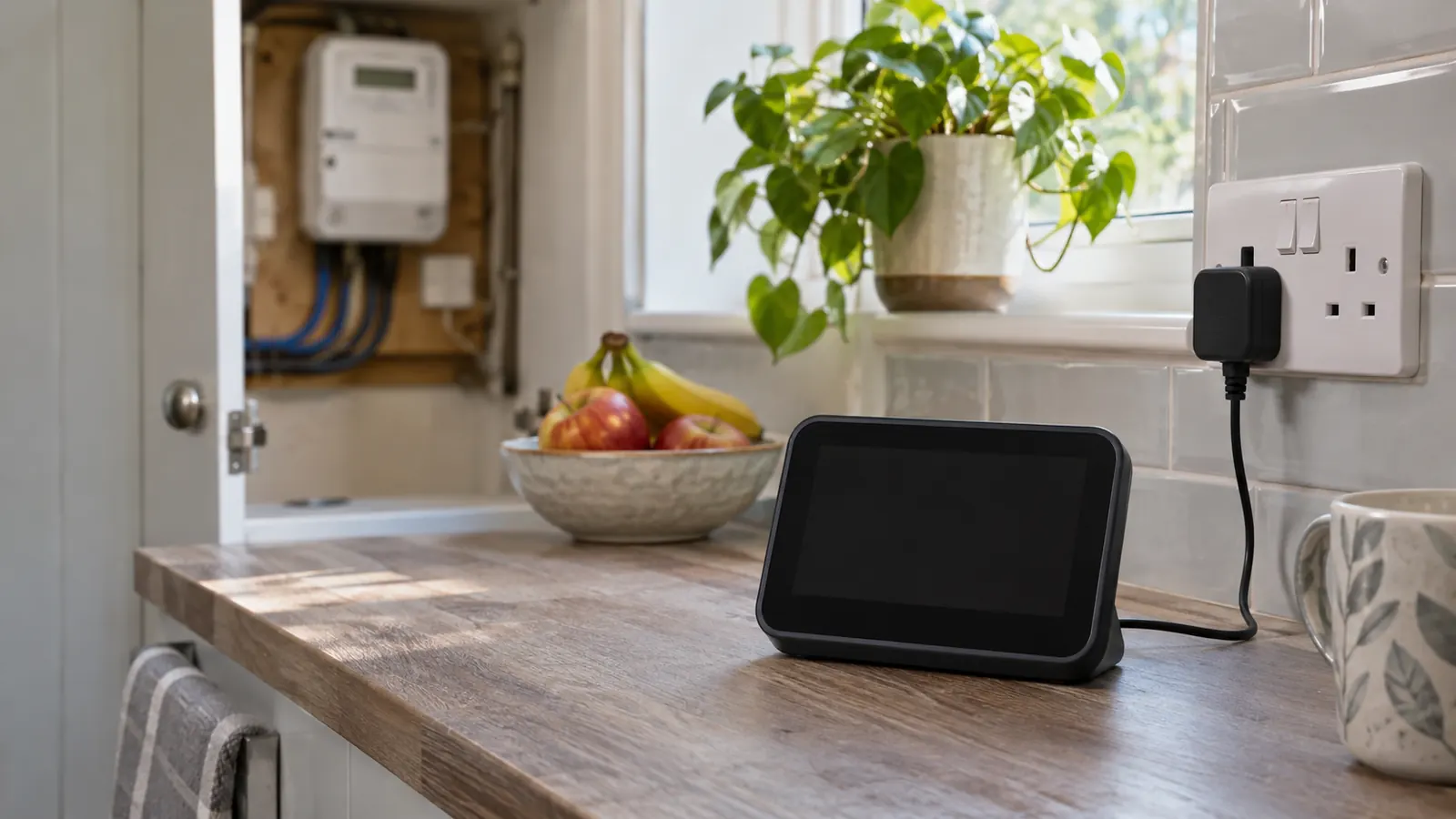
Fix a smart meter in-home display that is blank, disconnected or showing wrong costs, and know when your supplier must investigate or replace it.
Read article
Learn who is responsible for an electricity bill after a death, how to notify the supplier, record the meter, settle the account and claim credit.
Read article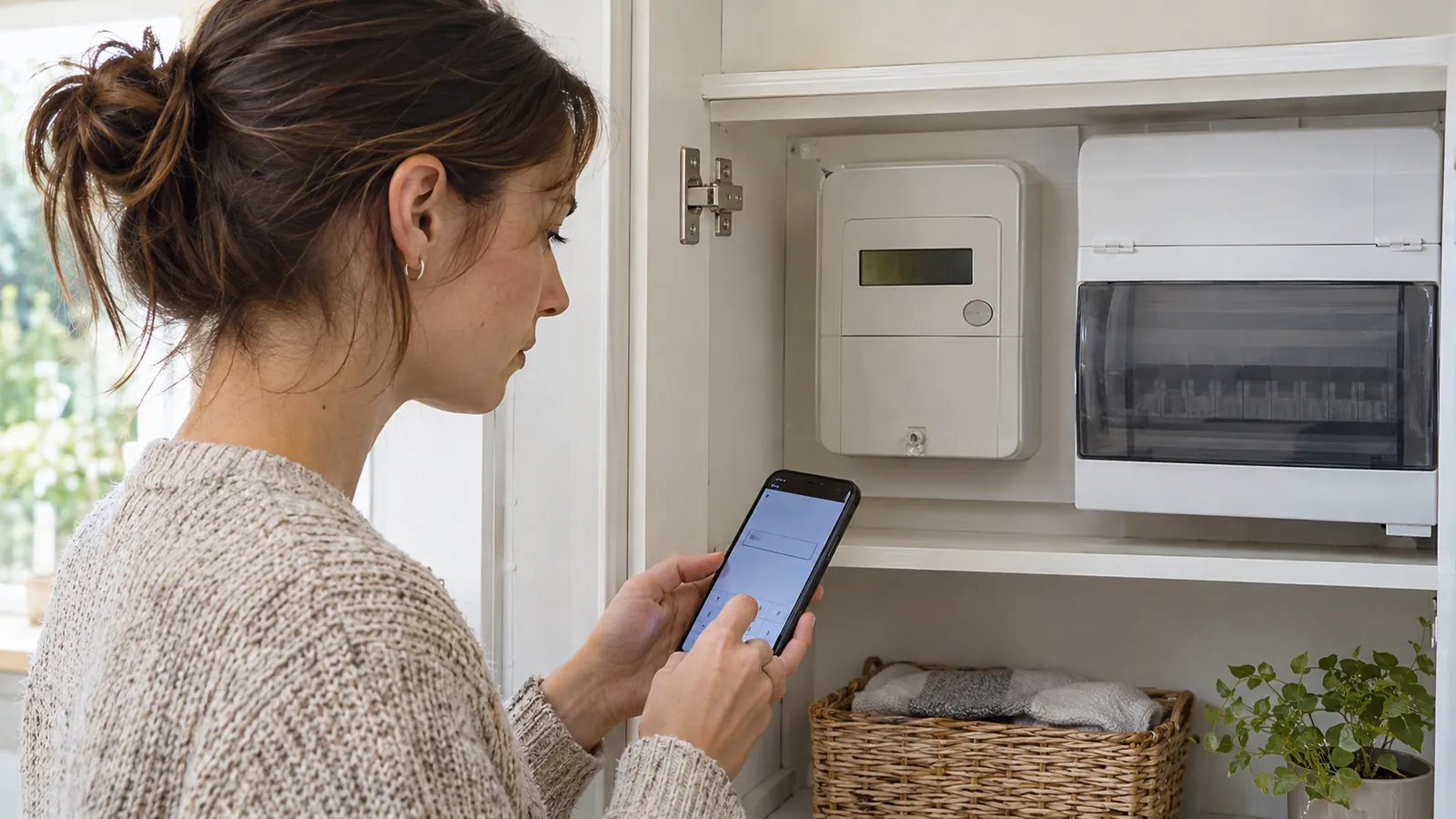
Learn how to read digital, dial, smart and two-rate electricity meters, record the right numbers and submit an accurate reading to your supplier.
Read article