

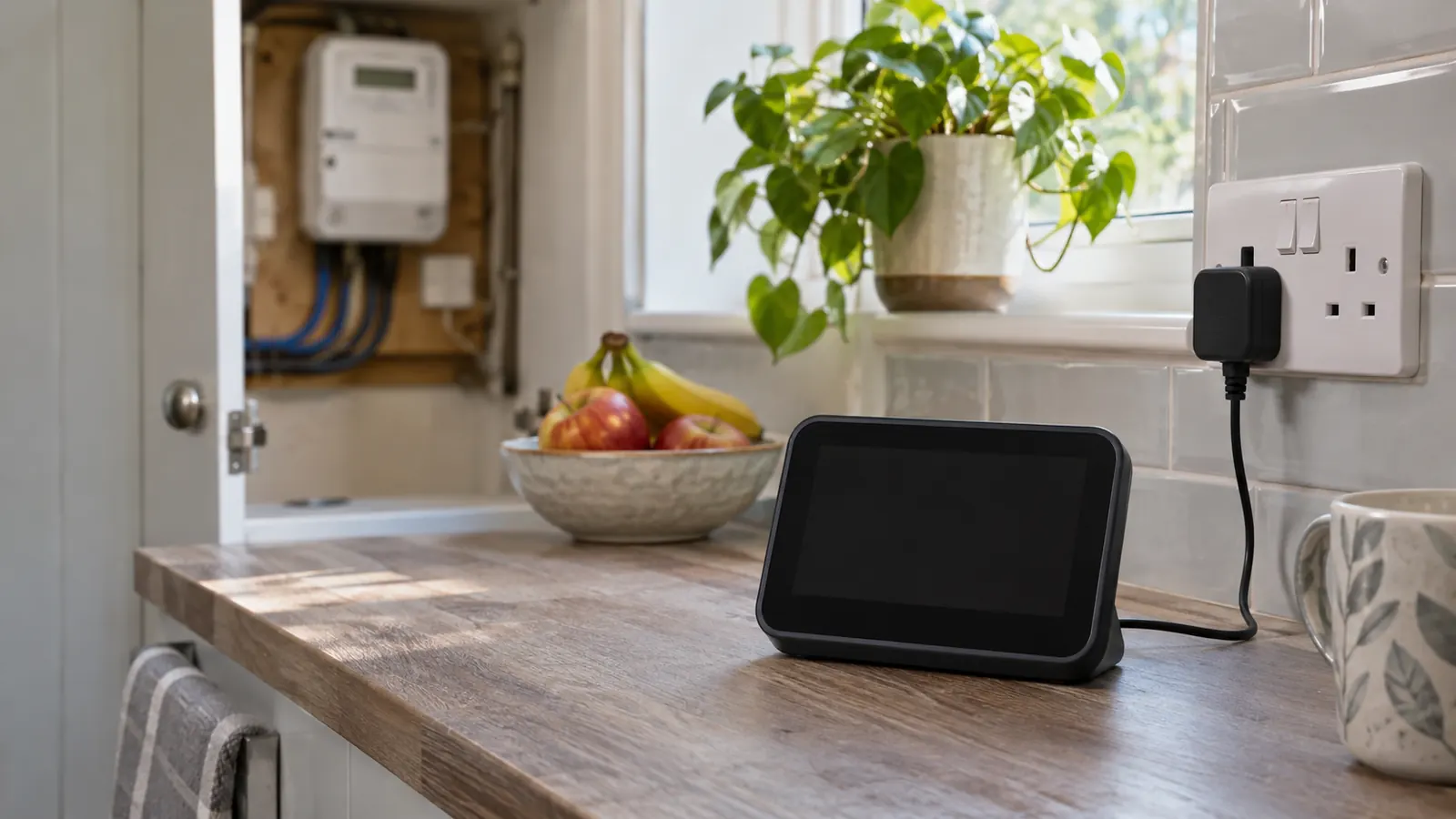
First check: is the display broken or the meter offline?
The portable screen in your home is an in-home display, usually shortened to IHD. It receives information from your smart meters over a short-range home network. The electricity meter is the fixed device that measures your consumption, while a separate communications hub normally sends readings to your supplier.
A blank IHD can be a power fault. A screen that turns on but shows no electricity data may have lost its local connection. If your supplier is also receiving no automatic readings, the meter or communications hub may no longer be in smart mode. Ofgem says the meter should still record usage accurately and can still be read manually.
Try these in-home display checks in order
Do not open the meter, remove seals or switch off equipment in the meter cupboard. Your supplier can restart the communications hub remotely when appropriate; it is not normally something a householder should attempt. If the screen has just stopped updating, wait for an hour in case a temporary interruption clears, then work through these steps.
- Check that the display is switched on and connected to its supplied power adaptor, or that any replaceable batteries have charge.
- Try the adaptor in another working wall socket, then restart the display using its own power button or the instructions for that model.
- Move the display closer to the electricity meter, with as few thick walls or large metal objects between them as possible.
- Leave it in the new position for up to 24 hours. Do not repeatedly reset it while it is trying to reconnect.
- Compare the display reading with the reading on the actual meter once data returns. A small update delay can be normal.
What different symptoms usually mean
A completely blank screen normally calls for a power, adaptor, battery or hardware check. A powered screen showing dashes, lost connection or no usage is more likely to have lost its link to the meter. If only gas information is delayed, remember that gas data may update less frequently than electricity data; this article focuses on the electricity side.
After a tariff change or supplier switch, the IHD may still hold an old unit rate or standing charge. Compare it with your contract. If it is still wrong more than 48 hours after the change, ask the new supplier to update the tariff information.
Treat a prepayment failure as urgent. If the display is your normal top-up route or it is not showing credit, contact the supplier straight away and ask for another way to top up. Do not wait 24 hours if there is a risk of losing supply, and tell the supplier about any medical need, disability or vulnerability in the household.
Check your electricity use while the display is down
You can still monitor the account without the IHD. Read the actual electricity meter, keep a dated photo of the reading and check whether your supplier app or online account has recent data. If the meter is no longer sending readings automatically, submit manual readings until the supplier confirms smart mode has been restored.
To sense-check a bill, subtract the previous meter reading from the current reading to find the kWh used. Multiply that usage by the unit rate, then add the daily standing charge for the number of days. For example, 120 kWh at an illustrative 26p per kWh costs £31.20. A 55p standing charge for 30 days adds £16.50, giving £47.70 before any separate account balance, discount or payment is applied.
Use your own tariff rates and do not add tax again if they already include it. The IHD total is a budgeting aid, so a stale display does not by itself prove that the supplier bill is wrong.
What your supplier must do in Great Britain
Report the fault clearly to the electricity supplier, even if a different company installed the meter. Say whether the screen is blank, has no live data, shows the wrong tariff or prevents a prepayment top-up. Include when the problem started, the checks you tried, the meter serial number and photographs if they help.
Current guaranteed standards require the supplier to complete three steps within five working days after you report that a smart meter or IHD is not operating as intended: assess whether it is working properly, take appropriate action to help identify the cause, and offer written confirmation of the assessment and action. Citizens Advice states that £40 compensation is due for each required step the supplier does not complete. Payment should arrive within 10 working days; a further £40 is due for each compensation payment not made on time.
The standard requires an initial investigation, not necessarily a complete repair within five working days. Keep the fault reference, dates and written response in case compensation or a complaint becomes necessary.
Will the supplier repair or replace the display?
Suppliers must maintain an IHD during the first 12 months after the smart meter installation, which can include a free repair or replacement. Tell the supplier the installation date if you know it and ask it to confirm that any replacement is paired with your meters before the case is closed.
After 12 months, a free replacement is not automatic. GOV.UK says all large suppliers have adopted voluntary principles for repair or replacement options beyond the first year. The supplier may repair it, provide one free or at a discount, or identify a compatible replacement.
Mention if you are on the Priority Services Register or need an accessible way to monitor prepayment credit. The supplier should take vulnerability into account, and it may offer a replacement or other support even when the original display is more than a year old.
Complain if the problem is not handled properly
If the supplier misses the investigation steps, refuses valid compensation or leaves you without a prepayment option, make a formal complaint and state the resolution you want.
You can take the case to the Energy Ombudsman after eight weeks, or sooner with a deadlock letter. The Ombudsman resolves individual disputes; Ofgem sets market rules but does not handle individual complaints.
The position in Northern Ireland is different
The standards above apply in England, Scotland and Wales. Northern Ireland has a separate market and is preparing its own smart meter rollout. The Consumer Council says NIE Networks and suppliers will contact households when installation is due.
A Northern Ireland keypad meter is not automatically the same as a Great Britain smart meter with an IHD. If a keypad display, top-up or electricity meter is not working, contact the electricity supplier and use the Consumer Council complaint route if the issue is not resolved.
Smart meter in-home display FAQs
Does a blank in-home display mean my smart meter is broken?
No. The display and meter are separate devices. Check the display power and connection, then look at your supplier account to see whether automatic meter readings are still arriving.
How long should a smart meter display take to reconnect?
After moving or restarting it, allow up to 24 hours. If it still has no data, contact the supplier because it may need to reconnect the display or investigate smart mode.
Should I give my supplier the reading on the in-home display?
Use the reading on the electricity meter itself. An IHD can lag, lose its connection or show stale information, so it should not replace the official meter display when submitting a reading.
Can I get compensation for an in-home display fault?
In Great Britain, £40 can be due for each required investigation step the supplier fails to complete within five working days. Further compensation can apply if that payment is late.
Will my supplier replace an old in-home display for free?
A supplier must help during the first 12 months after installation. After that, the outcome depends on its replacement policy and your circumstances, although large suppliers have adopted voluntary replacement principles.
Estimate your electricity bill
Take readings from the electricity meter itself, not the in-home display. Enter the previous and current readings, your tariff unit rate, the billing dates and daily standing charge in the electricity bill calculator to estimate charges while the display is unavailable.
Sources
Troubleshooting, supplier duties, compensation, replacement and Northern Ireland rollout information was checked against these sources on 12 November 2026: